Service 05 / 07
Workflow automation with n8n, Make and custom APIs
Busywork that runs by itself.
Copying data between tools, chasing follow-ups, building the same report every Monday: this is work software should do. We connect your tools so it happens on its own, and we tell you honestly when a no-code tool is enough and when custom code is the better choice.
Who it’s for
Is this you?
- Teams moving data by hand between a CRM, spreadsheets, email and accounting.
- Businesses that send the same documents, reminders or follow-ups again and again.
- Companies whose automations in Zapier, Make or n8n have become fragile or expensive.
What you get
Here’s what’s included.
- 01Tool-to-tool integrations
Your CRM, forms, email, calendar, payments and spreadsheets connected through their APIs.
- 02Data sync
Records kept in step between systems, for example courses and grades synced from an LMS.
- 03Document generation
PDF and Word documents (quotes, reports, contracts) generated from your data.
- 04Follow-ups and notifications
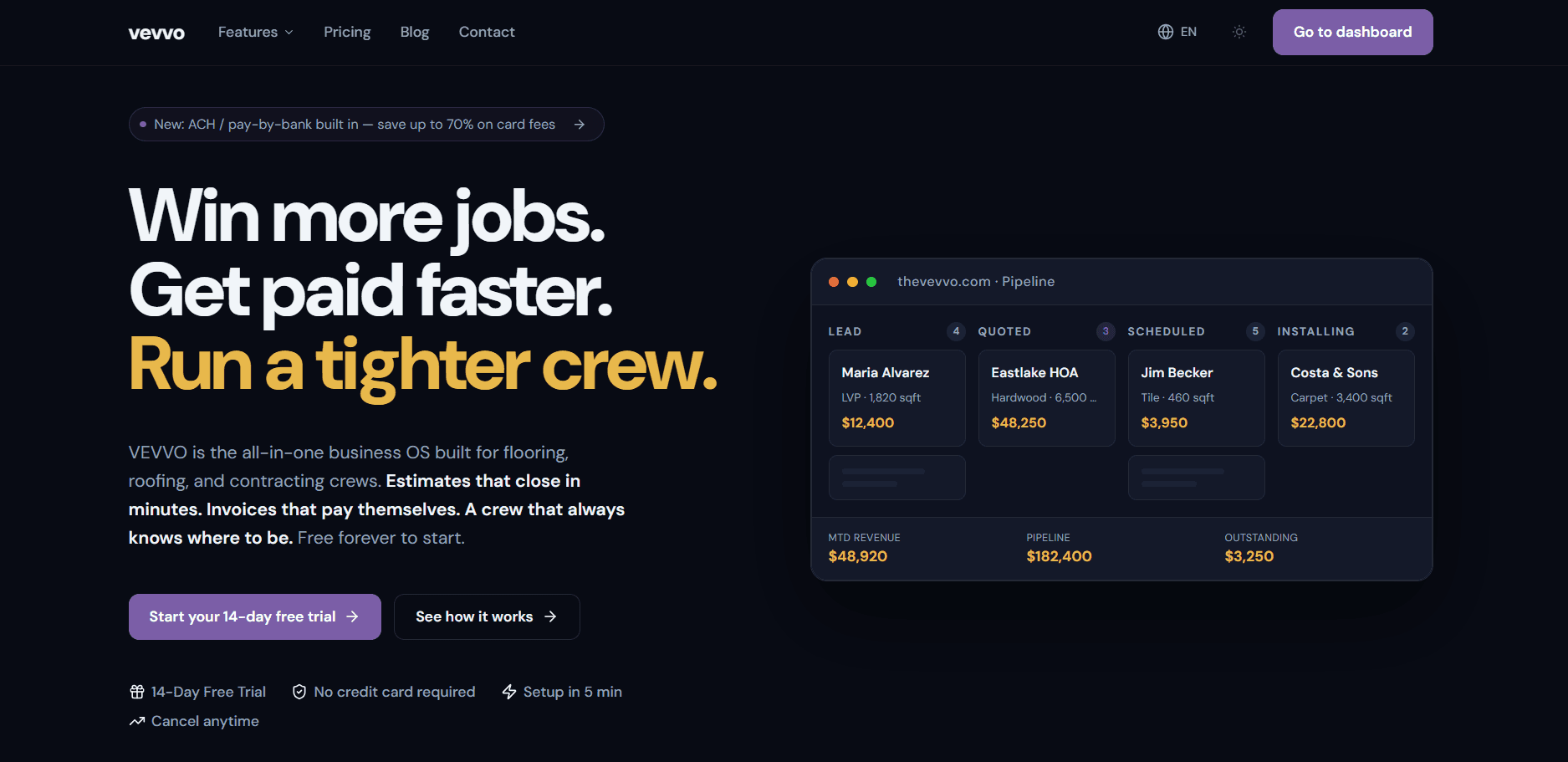
Automated reminders, review requests and alerts, like the review and referral automations in VEVVO.
- 05AI steps where they help
Classifying, extracting or drafting inside a workflow, with a person reviewing where it matters.
Honest advice
No-code or custom code?
n8n or Make is usually right when the workflow is linear, the volume is moderate and your team wants to adjust it without a developer.
Custom code is usually better when there is complex branching logic, high volume, strict error handling, or when the workflow needs tests and version control like the rest of your software.
How it works
5 steps. No surprises.
We work with n8n (self-hosted or cloud), Make and Zapier, and choose the tool per client based on your workflows, volume and who will maintain them.
- 1Discovery call
Free, 30 minutes: which tasks repeat, and which tools are involved.
- 2Proposal in 12 hours
The workflows to automate, the tool choice, and a fixed quote.
- 3Build and test
Workflows built and tested with real data, with a weekly check-in call.
- 4Handover
Every workflow runs on accounts you own and is documented for your team.
- 5Support
30 days of bug fixes, then an optional maintenance plan to keep integrations working as the tools change.
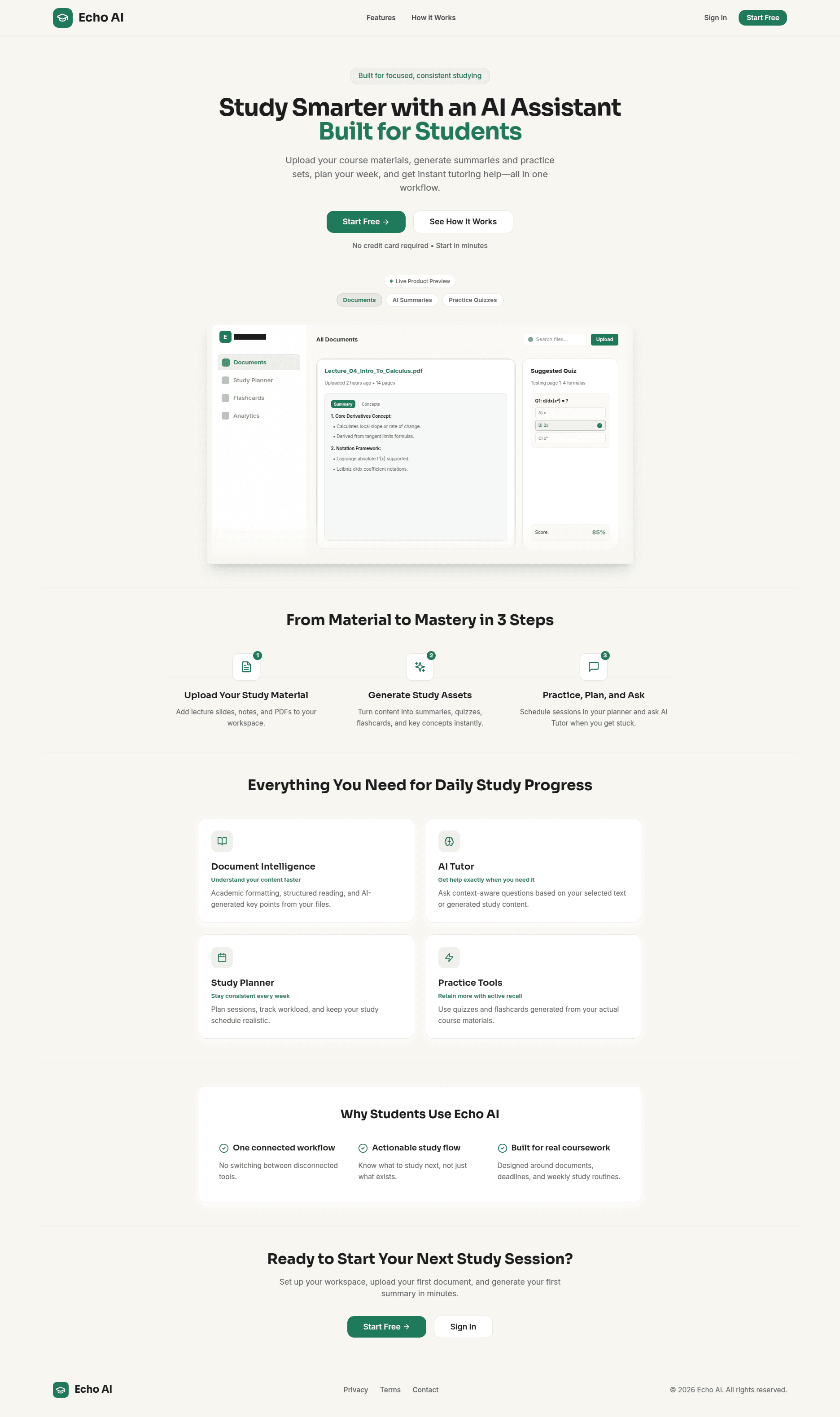
Products with automation built in
Tools we use
- n8n (self-hosted or cloud)
- Make
- Zapier
- REST APIs
- Webhooks
- Python
- Node.js
- PDF and Word generation
Questions
Questions? Straight answers.
Ask me directly on a free 30-minute call.
Book a call →n8n, Make, Zapier or custom code?
It depends on complexity, volume and who will maintain it. We recommend the simplest option that will hold up, and explain why in the proposal.
Can n8n run on our own servers?
Yes. We set up n8n self-hosted or on n8n cloud, whichever suits your data and budget.
Who owns the automations?
You do. They run on accounts in your name, and credentials are stored in an encrypted password manager, never in email or chat.
What happens when one of our tools changes its API?
Integrations need looking after. A maintenance plan covers monitoring, fixes and updates, with a response within one business day.
Keep exploring
Other services
- MVP developmentTest your idea with real customers, fast.→
- SaaS developmentSoftware your customers pay for monthly.→
- AI implementationAI where it saves your team real hours.→
- AI agents and LLM appsAssistants that save your team hours.→
- Mobile app developmentiPhone and Android apps from one codebase.→
- Software maintenanceWe keep it running and improving.→
Now booking new projects
One 30-minute call. You get a plan, a timeline and a fixed quote within 12 hours.
Book a free call→